 Experiware
Experiware
Experiware
Experiware is a desktop application for designing microfluidic chips. You compose a chip from parametric components, and it maintains the resolved fluidic model and the layered 2.5D geometry as you edit — checking your design against the fabrication process you are actually going to use.
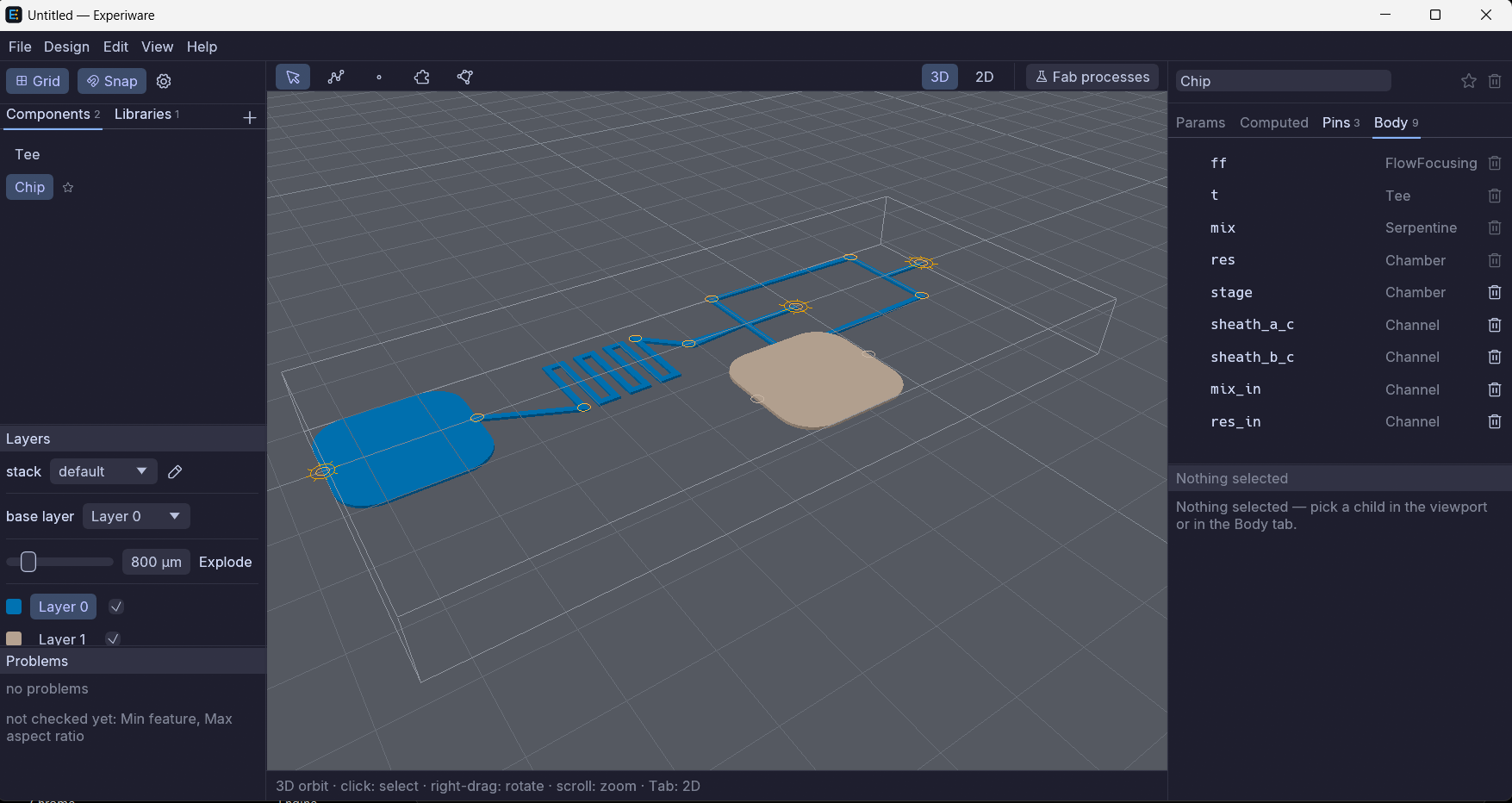
Everything below is in the beta today.
Draw the fluidic network directly. Channels carry widths along their centerline; regions carry compartments, holes and pockets. Both stay editable as geometry, not as frozen polygons.
Group anything into a reusable component with its own parameters and pins, then place it
as many times as you like. Any .exw file can serve as a component library for
another.
Author the layer stack and the process — soft lithography or injection molding — alongside the design. Depths, wall profiles, draft angles and corner radii are properties of the process, not guesses.
Violations appear in the Problems panel as you work and are marked in the viewport, keyed to the process that governs each layer. You find out before the mask house does.
Switch between a top-down view and the layered 2.5D solid with Tab. Explode the stack to see a buried layer.
Export the package as DXF, grouped by the process that governs each part, with the plan shown before anything is written.
Free for non-commercial use. It runs entirely on your machine — nothing is uploaded, ever.
Windows will warn you the first time. A blue “Windows protected your PC” box appears because the program is not yet code-signed — not because anything is wrong with the file. Click More info, then Run anyway.
Requirements. 64-bit Windows 10 or 11, and a GPU with working Vulkan or
DirectX 12 drivers. There is nothing to install: unzip the folder and run
Experiware.exe.
macOS or Linux? Not yet — but tell me and I will know it is worth building.
Full text: the beta licence.
Not in the beta, and stated here so nobody downloads it expecting them: a scripting API, import and export of the Parchmint interchange format, flow-resistance readouts, and — the longer effort — droplet-microfluidics simulation as a tier inside the same tool. If one of those is what would make this useful to you, that is worth an email.